Introduction
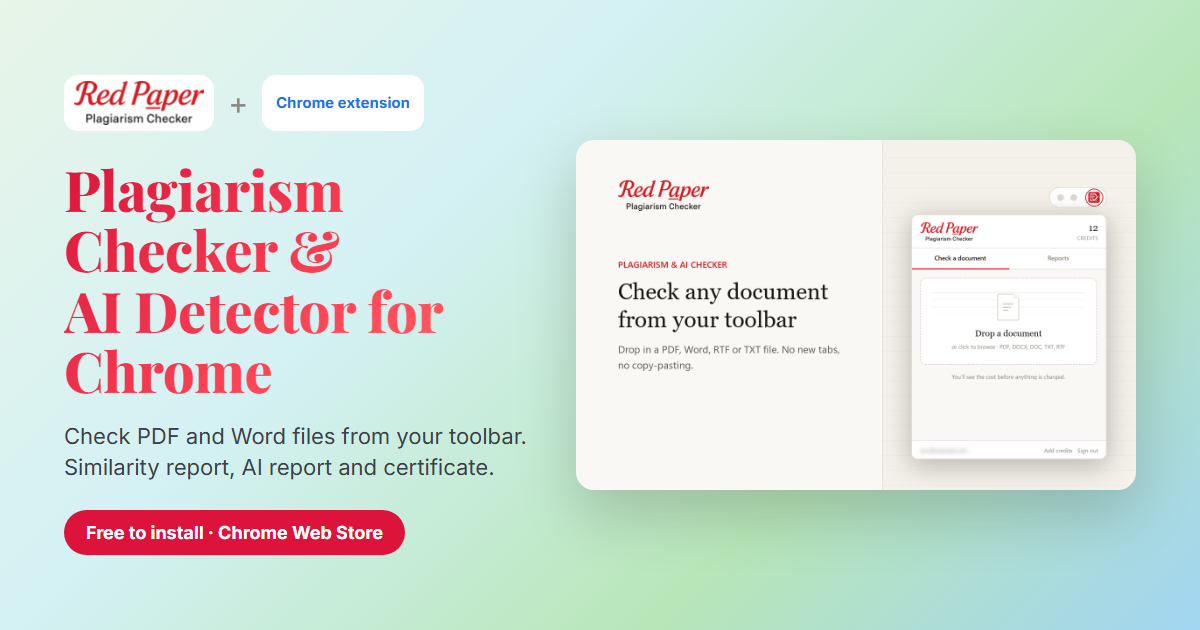
Checking a document for plagiarism usually means opening a new tab, signing in, uploading the file and coming back later to see whether the report is ready. The Red Paper Chrome extension removes those steps. It puts a plagiarism checker and an AI detector in your browser toolbar, so you can check a PDF or Word file in a few clicks and carry on working while it scans.
The extension is now live on the Chrome Web Store as Red Paper: Plagiarism Checker & AI Detector. It works with your existing Red Paper account, uses the same detection engine as the website, and gives you the same three outputs: a plagiarism (similarity) report, an AI-content report and a certificate of originality.
Why Use a Plagiarism Checker Extension?
A website works well when you check documents occasionally. If you check files often, a plagiarism checker Chrome extension saves time in three ways:
- It is always one click away. The checker lives in your toolbar, so you do not have to find the right tab or bookmark first.
- You do not have to wait on the page. Start a scan, close the popup and keep writing. The extension checks progress in the background and notifies you when it is done.
- Your reports are in one place. The Reports tab lists your recent scans with their similarity and AI scores, and each report can be downloaded from there.
Many browser add-ons that call themselves plagiarism checkers only search a sentence on Google or check text you paste in. Red Paper checks whole documents and gives you the same downloadable reports you would get on the website plagiarism checker.
Key Features
Plagiarism and similarity checking
Your document is compared against web pages, academic publications and journals. The similarity report lists every matching source and highlights the matching passages, so you can see exactly what needs a citation or a rewrite.
AI content detection
The same scan also checks how much of the text reads as AI-generated, with the passages highlighted line by line in a separate AI report. You do not need a second tool or a second upload. To learn how AI detection works, read our AI content detection guide.
PDF and Word support
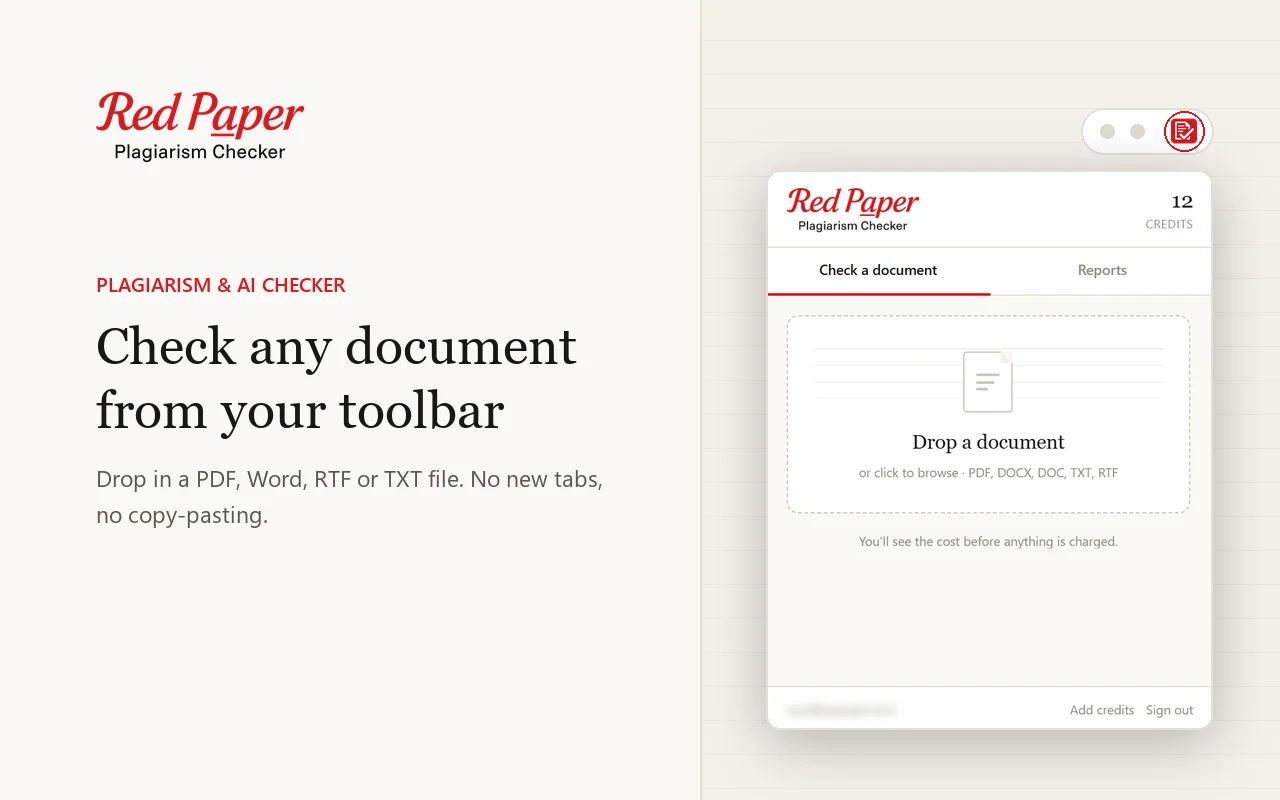
The extension accepts PDF, DOCX, DOC, RTF and TXT files, which covers theses, research papers, assignments, manuscripts and articles.
Price shown before you scan
When you choose a file, the popup shows the word count, the detected language and the exact number of credits the scan will cost. Nothing is charged until you click Check now.
Desktop notifications
Scans usually finish in a few minutes. You can close the popup in the meantime; Chrome shows a notification as soon as your report is ready.
Automatic sign-in
If you are already signed in on checkplagiarism.ai, the extension signs you in on its own. Otherwise you sign in once with your email and password.
How to Install the Extension
- Open the Red Paper listing on the Chrome Web Store.
- Click Add to Chrome, then Add extension.
- Click the puzzle-piece icon in the toolbar and pin Red Paper so it stays visible.
- Click the Red Paper icon and sign in. If you do not have an account yet, create one on checkplagiarism.ai first.
How to Check a Document
- Install the extension and pin it to your toolbar.
- Sign in with your Red Paper account.
- Choose a document. Drop a PDF, DOCX, DOC, RTF or TXT file into the popup, or click to browse. Check the word count, language and credit cost.
- Start the scan. Click Check now. You can close the popup; you will get a desktop notification when the scan is complete.
- Download your reports. Open the Reports tab and download the plagiarism report, the AI report and the certificate.
Tip for Google Docs users: the extension checks files, not open web pages. In Google Docs choose File → Download → PDF or Microsoft Word (.docx), then drop the downloaded file into the popup.
What You Get: Reports & Certificate
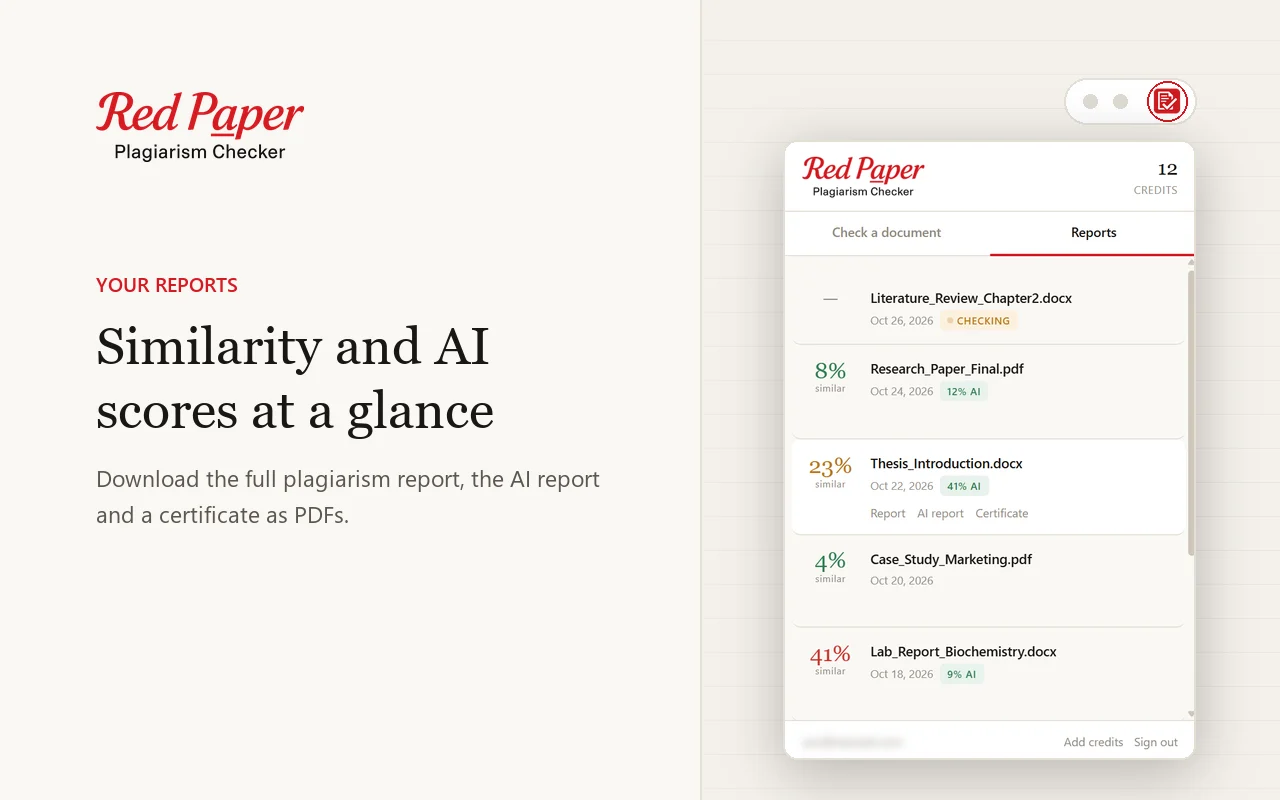
Every completed scan gives you three PDFs:
- Plagiarism report – the overall similarity score, a list of matched sources and every matching passage highlighted. If you are not sure how to read it, see our guide on understanding similarity reports.
- AI report – how much of the text reads as AI-written, with the flagged passages highlighted. It sometimes arrives a few minutes after the plagiarism report.
- Certificate of originality – a certificate with both scores and a QR code that anyone can scan to verify it. Useful when a supervisor, journal or client asks for proof that the work was checked.
The Reports tab also shows the status of scans that are still running, so you always know which documents are finished.
Pricing & Credits
The extension is free to install. Scans use credits from your Red Paper account, the same credits you use on the website:
| Rule | Details |
|---|---|
| Credit usage | 1 credit per 250 words, rounded up |
| Minimum per document | 4 credits |
| Example | A 2,000-word essay costs 8 credits |
| Where to buy credits | On the pricing page at checkplagiarism.ai |
| What is included | Plagiarism report, AI report and certificate from one scan |
The extension does not take payments. If your balance is too low, the Add credits link opens the pricing page on the website, and your document stays in the popup until you start the scan.
Who It Is For
- Students – check an assignment, essay or thesis chapter before you submit it, and fix missing citations in time.
- Researchers – run a similarity check on a paper before sending it to a journal or conference.
- Teachers and examiners – review submitted work for copied passages and AI-written text without leaving the browser.
- Authors, editors and publishers – check manuscripts and keep a certificate of originality on file.
- Content writers and agencies – confirm that articles are original before you publish or hand them to a client.
Privacy & Permissions
A browser extension should only ask for what it needs. Red Paper requests a small set of permissions, and each one has a single job:
| Permission | Why it is needed |
|---|---|
| Access to checkplagiarism.ai | Sign-in, upload, scan status and report downloads. No other website is accessed. |
| Storage | Keeps you signed in and remembers scans that are still running. Cleared when you sign out. |
| Alarms | Checks in the background whether a running scan has finished. |
| Downloads | Saves the report and certificate PDFs you choose to download. |
| Notifications | Shows one notification when your scan is complete. |
The extension cannot read the pages you browse. Documents are sent only to Red Paper's own servers over HTTPS and are handled under our privacy policy. We do not sell your documents or reuse your content.
Extension vs Website vs ChatGPT vs API
The extension is one of four ways to use Red Paper. They all share one account and one credit balance, so you can mix them freely:
| Option | Best for | How you start a check |
|---|---|---|
| Chrome extension | Frequent checks while you work in the browser | Toolbar popup |
| Website | Full dashboard, batch uploads, buying credits | checkplagiarism.ai |
| ChatGPT plugin | Checking files you are already working on in ChatGPT | Attach a file and ask in chat |
| API | Developers, LMS and publishing platforms | REST API with an API key |
Frequently Asked Questions
Is there a Chrome extension that checks plagiarism and AI content?
Yes. Red Paper: Plagiarism Checker & AI Detector checks PDF, DOCX, DOC, RTF and TXT files for plagiarism and AI-generated text, and gives you a similarity report, an AI report and a certificate of originality.
Is the Red Paper Chrome extension free?
It is free to install. Scans use credits from your Red Paper account: 1 credit per 250 words, with a minimum of 4 credits per document. You see the exact cost before anything is charged.
Can I check Google Docs with the extension?
Download the Google Doc as a PDF or Word file first, then drop the file into the popup. The extension checks files, not open web pages.
Does it work in Microsoft Edge or Brave?
The extension is built for Chrome. Chromium-based browsers that install extensions from the Chrome Web Store, such as Edge and Brave, can usually install it from the same listing.
Why does Chrome say the extension is not trusted by Enhanced Safe Browsing?
Chrome shows this notice for extensions from developers who are new to the Chrome Web Store. It is not a security finding about the extension, and Google removes it automatically once a developer has followed the Web Store policies for a few months.
Do scans from the extension appear on the website?
Yes. Every scan started from the toolbar is also listed under My Reports on checkplagiarism.ai.
Can I pay for credits inside the extension?
No. Credits are bought on the website. The Add credits link in the popup takes you to the pricing page.
Conclusion
If you check documents for plagiarism or AI-written text more than once in a while, the Red Paper Chrome extension makes it a habit rather than a chore. Drop in a file, see the price, start the scan and get back to work; the reports will be waiting for you when you need them.
Add Red Paper to Chrome
Plagiarism checker and AI detector in your toolbar. Free to install; scans use your Red Paper credits.
Get the Chrome Extension →